Questionnaires
Upload their spreadsheet. Download it answered.
Send Compleka the customer or supplier questionnaire exactly as you received it. Every question is answered from your own documents, and you get the same workbook back with the answers written in.
The problem
Questionnaires take days, and they keep coming
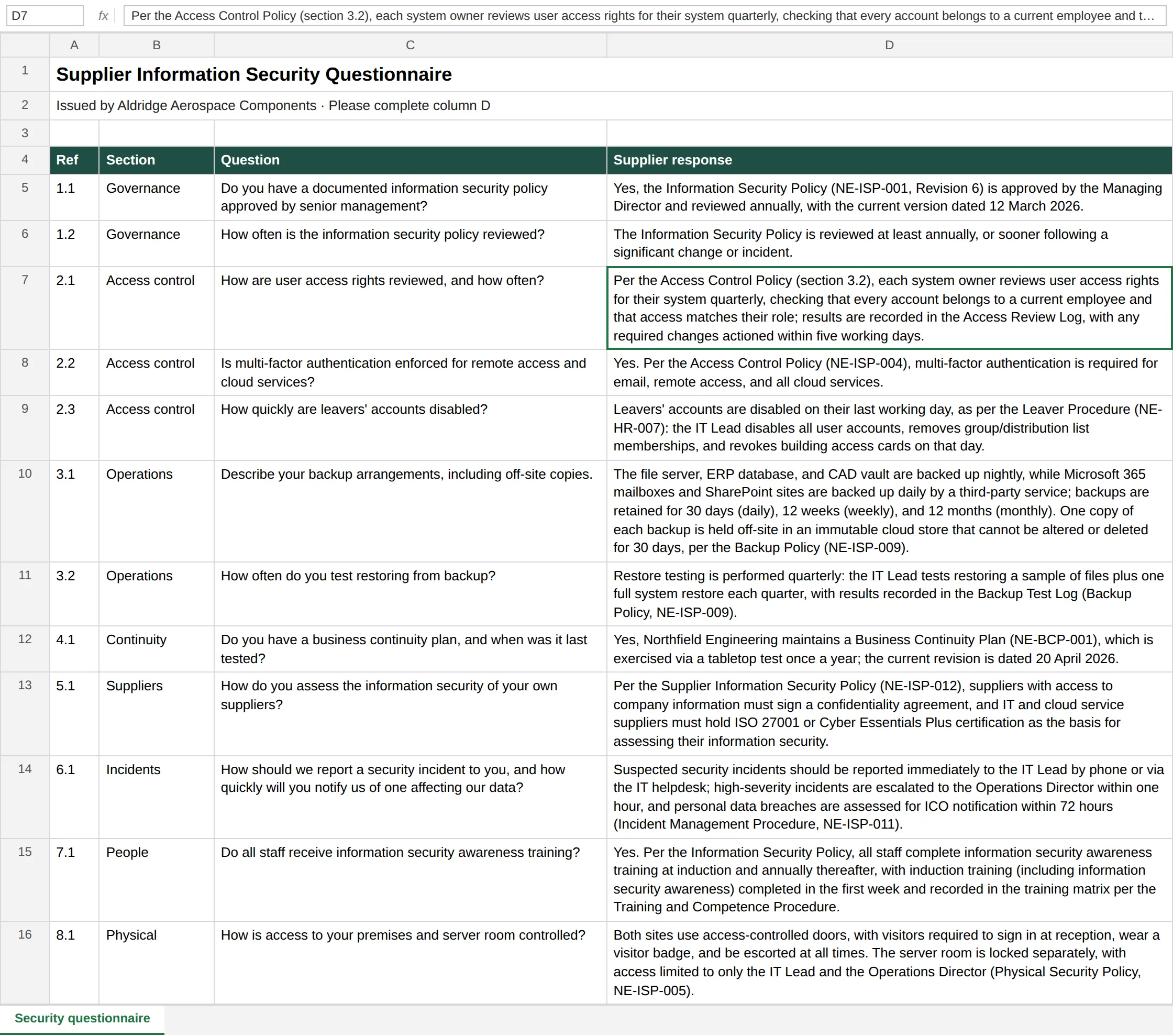
A prospect sends a 200-row spreadsheet with title rows, instructions and several sheets. Someone has to find the right policy for each question, copy the wording across and hope it matches what you told the last customer.
How it works
- 01
Upload the workbook
Excel (.xlsx), including multi-sheet workbooks with title rows and instructions.
- 02
Confirm the layout
Compleka suggests which row holds the headers and which column holds the questions. You confirm, and choose an existing answer column or have one added.
- 03
Download it answered
Each question is answered from your documents and written into the same workbook, with its formatting preserved.
In the app
- Enlarge screenshot.
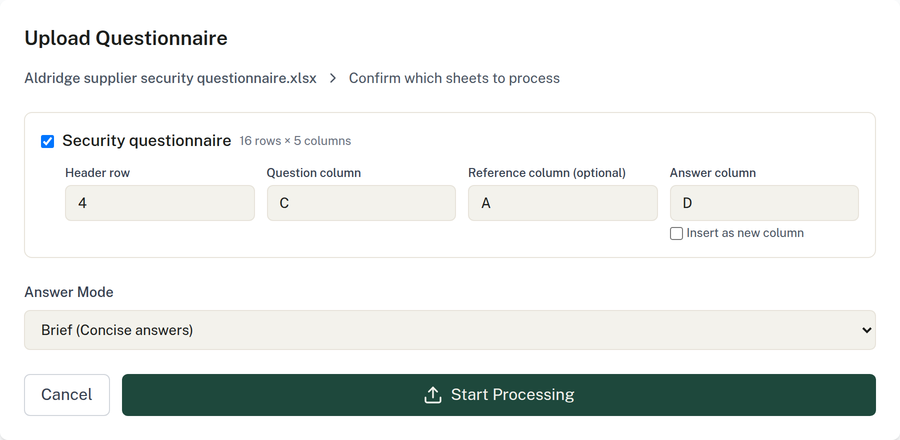
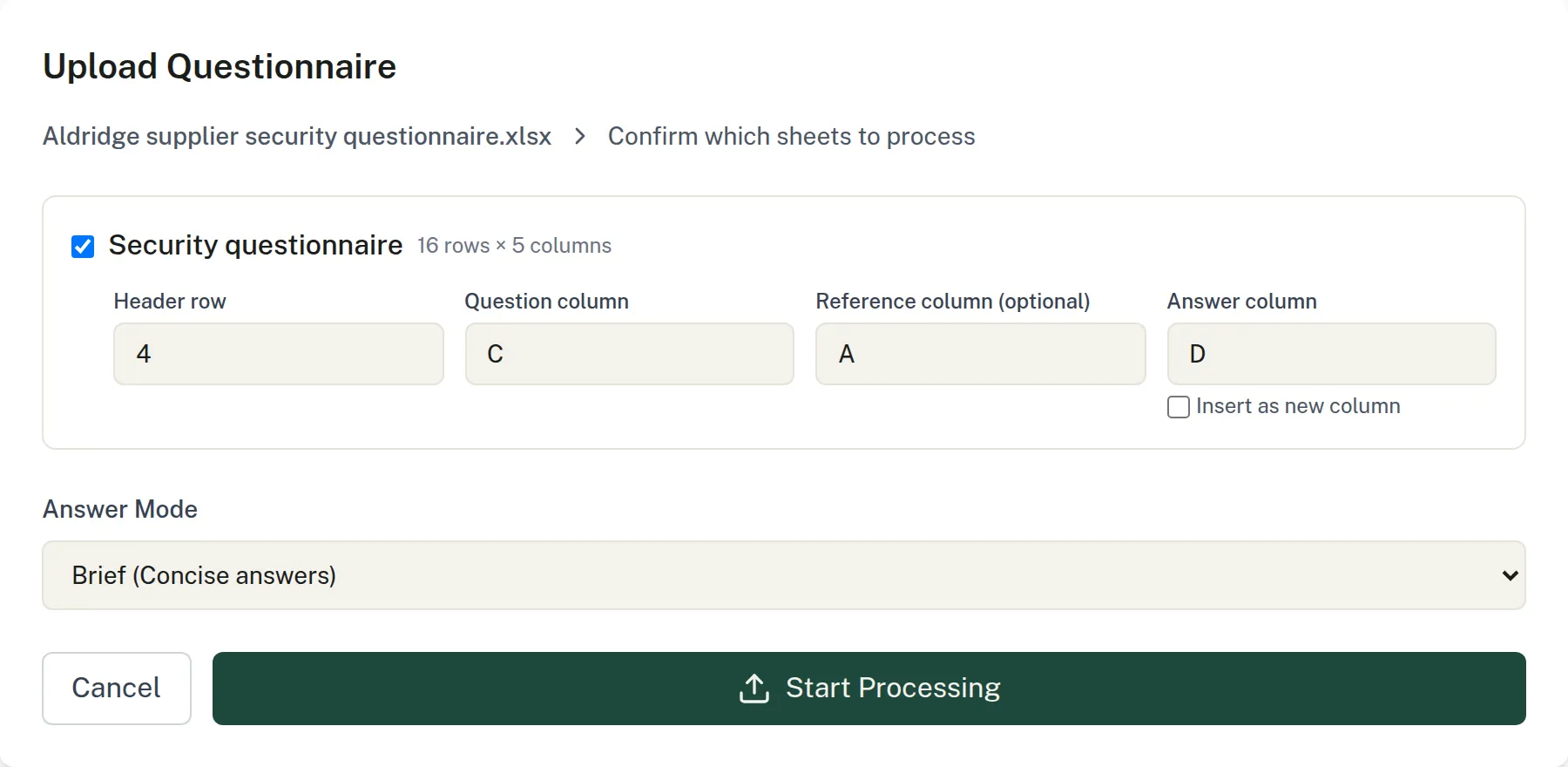
Confirm the layout. Compleka suggests the header row and question column, and you choose where the answers go.
In detail
Your layout, untouched
You get back the workbook you were sent, not a re-typed copy. Formatting is preserved.
Brief answers by design
The Brief answer style gives one or two sentences, made for supplier questionnaires.
Drawn from your documents
Answers come from your own policies and procedures, so they stay consistent with what you actually do.
You stay in charge
You confirm the layout before anything is answered, and you review the workbook before it goes back.
Try it on your own documents.
Start a 14-day free trial. Or talk it through with us first.
Full platform access during the trial. AI features run on prepaid credit.